The invoice app that works offline
TimeInvoicer creates invoices from the appointments in your calendar, right on your phone or tablet. No cloud, no account, no internet connection required. Your data stays on your device.
If you can open your calendar, you can write your invoice. Even where there is no signal.


Free to start: the Starter plan includes unlimited invoices and up to 10 clients, no account needed.
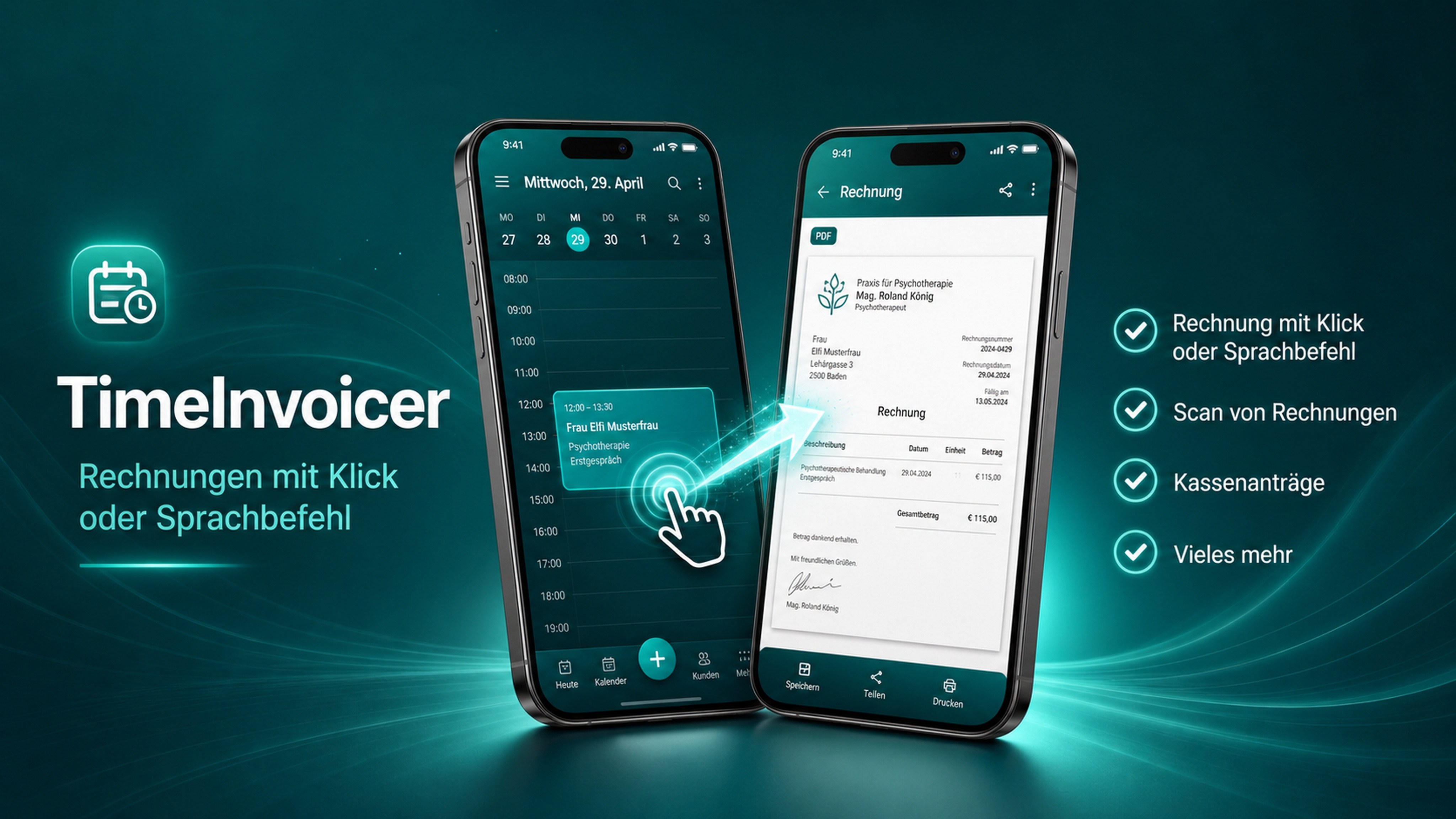
Your invoices should not depend on a server.
Most invoicing tools are web services: your client list, your prices and every invoice live on somebody else's server, behind a login, for a monthly fee. TimeInvoicer takes a different route. The app runs entirely on your device, and the calendar you already use is the only data source it needs.
No cloud
Nothing is uploaded, synchronised or mirrored. Invoices are created and stored locally as PDF files that you share, print or archive the way you prefer.
No account
There is no sign-up, no password and no verification email. Install the app, pick an appointment, create the invoice. That is the whole onboarding.
Data stays on your device
Client names, addresses and amounts never leave your phone or tablet. Your optional backup is an encrypted file that you control.
Less to set up, less to worry about.
GDPR by design
Built with the GDPR in mind: no third-party processors and no cloud transfers, because there is nothing to transfer. Local storage keeps your obligations simple.
Works in the basement
No signal in the treatment room, the workshop or on the train? The invoice is finished anyway. Send it when you are back online, or hand over the PDF on the spot.
Your calendar is the source
Appointments become invoices in one tap. No double entry, no separate time tracking, no copying names and dates.
Free to start
The Starter plan is free with unlimited invoices and up to 10 clients. Plus and Practice Premium add templates and more when you need them. Plus includes up to 50 clients; Practice Premium includes unlimited clients.
Encrypted backup
Move to a new device with an encrypted backup file. You decide where it is stored: on the device, on a memory card or on your own storage.
Android and iOS
Available on Google Play and the App Store. Works on phones and tablets, with no server in between.
Frequently asked questions
Does TimeInvoicer need an internet connection?
No. Creating, saving and exporting invoices works completely offline. You only need a connection when you want to email an invoice or install an update from the app store.
Do I have to create an account?
No. There is no account, no login and no password. The app works from the moment it is installed.
Where is my data stored?
On your device only: in the app's local storage and in the PDF files you export. An optional encrypted backup file lets you move to a new device.
Is an offline app GDPR-compliant?
Local storage removes the need for cloud processors and international data transfers, which are the most common GDPR pain points. You remain responsible for the data on your device, as with any invoicing tool.
What happens if I lose my phone?
Restore your encrypted backup on a new device. Without a backup the data is gone, just like a paper invoice book, so we recommend a regular backup to a place you control.
Invoices without a cloud. Ready when you are.
Download TimeInvoicer for free and create your first invoice today. No account needed.
Download TimeInvoicer